Rekall Software Solutions
Software that lets
AI build things.
We build tools that give AI agents real creative power — in Unreal Engine, in long-form fiction, and beyond.
Accord
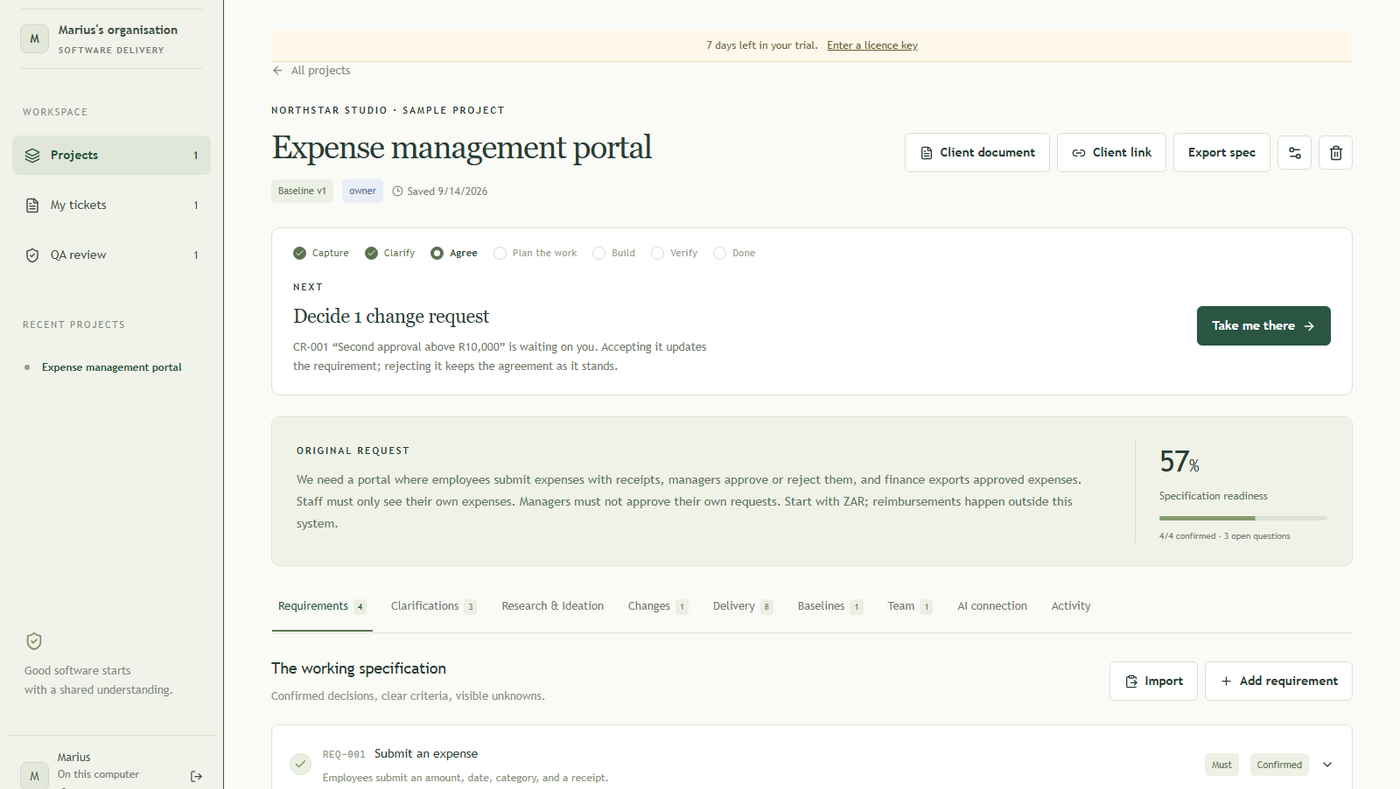
A requirements tracker with QA built in, and it drives the coding agent you already pay for to implement the work. Runs on your own machine. npx rekall-accord
Rekall UE
A native MCP server that gives AI agents complete authoring access to the Unreal Engine editor. Blueprints, materials, biome authoring, animation, levels — all of it.
Explore Rekall UE → Unreal Engine PluginRekall Global Events
A production event platform for Blueprint and C++ teams: typed contracts, scoped delivery, retention, secure networking, bounded Flow orchestration, and correlated diagnostics.
Explore Global Events → Godot Editor PluginRekall MCP Tools for Godot
A native Godot MCP endpoint with 184 tools for scene authoring, C# and GDScript, runtime QA, physics, navigation, animation, audio, VFX, TileMap, shaders, themes, export checks, and project analysis.
Explore Rekall Godot → Unreal Engine PluginRekall Terrain Graph
A node-graph terrain authoring plugin for UE 5.7. Visual editor, real-time preview, deterministic DAG evaluator — heightmaps, masks, splat layers, and Landscape application in one tool.
Explore Terrain Graph → Standalone WPF AppRekall Terrain Studio
A standalone Windows terrain generation studio with a Gaea-like graph canvas, real-time 3D viewport, CPU evaluation, .terra projects, CLI builds, heightmaps, and splat maps.
Explore Terrain Studio → Windows Photo EditorRekall Photo Studio
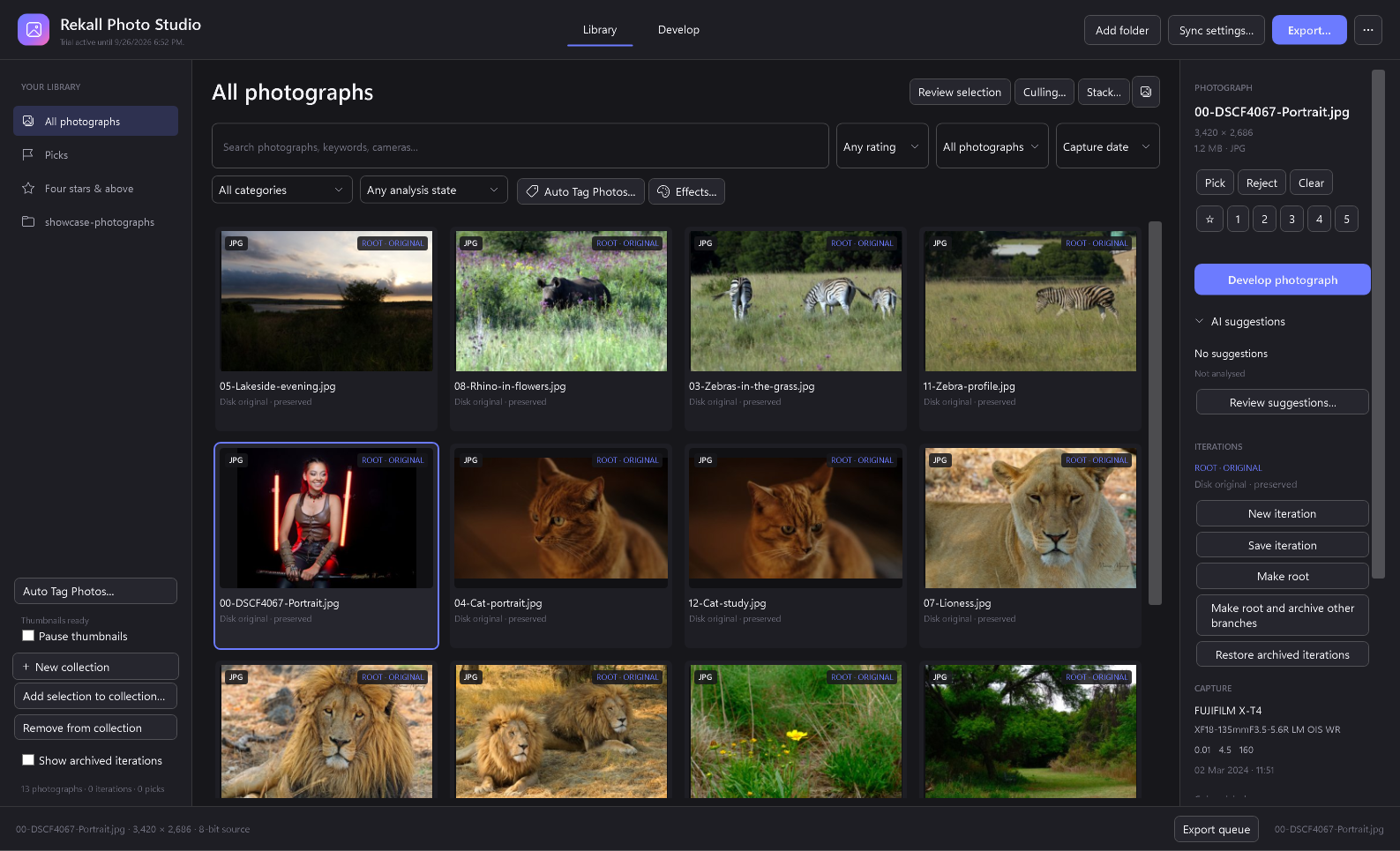
A non-destructive photo library and editor with background thumbnails, searchable AI tags, Coastal Monochrome processing presets and direct handoff to Rekall Fusion.
Explore Photo Studio → Standalone Windows AppRekall Fusion
An advanced photo stacker for photographers. Sub-pixel alignment, four focus engines plus exposure integration, slabbing for deep stacks, a visible depth map, and statistics that tell you how well the stack was shot.
Explore Rekall Fusion → Writing ToolNovel Writer Pro
An AI-powered writing companion built for long-form fiction. Structure your story, develop characters, and write more than you thought possible.
Explore Novel Writer Pro → Programming LanguageLLMOL
The LLM-Optimized Language. A JSONL programming language whose every property — contracts, error model, CLI, MCP — was designed for LLMs to author, run, and reason about.
Explore LLMOL → Coming SoonRedGreenShipIt!
AI-assisted guard authoring for software teams. Turn recurring bugs, architecture rules, and business standards into deterministic RED/GREEN CI checks.
Preview RedGreenShipIt! →